Sword & Shield Simulator Forge Checklist
Keep this list open while you work. Skipping a line is how a pretty blade still sells like a starter.
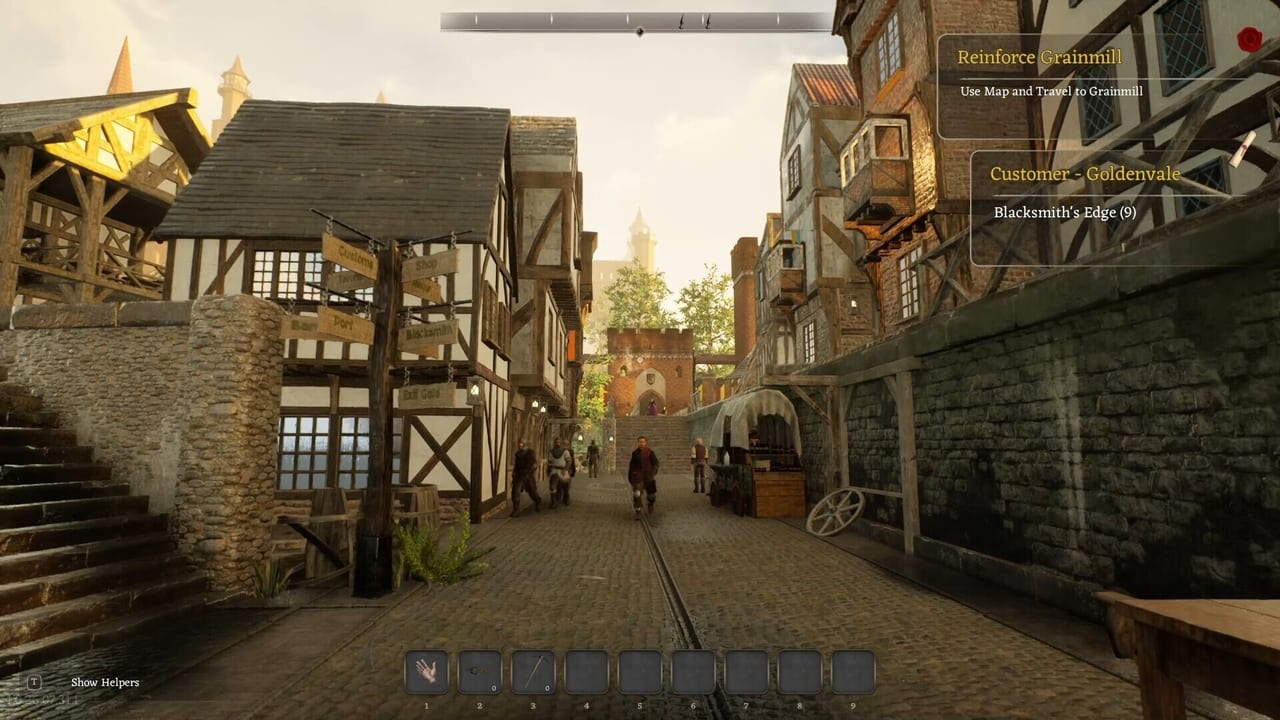
This checklist is the short version of How to Forge. It exists because station order is the skill, and Early Access UI will not always shout when you skip the grindstone. Use it for every contract blade until the loop is boring. Boring is the goal.
Before you light the furnace
- Save the game. Unique parts deserve a file.
- Confirm coal and the right bars. See materials.
- Read the contract or gate requirement once. Screenshot if the UI is vague.
- If the mouse already feels late, stop and fix performance first.
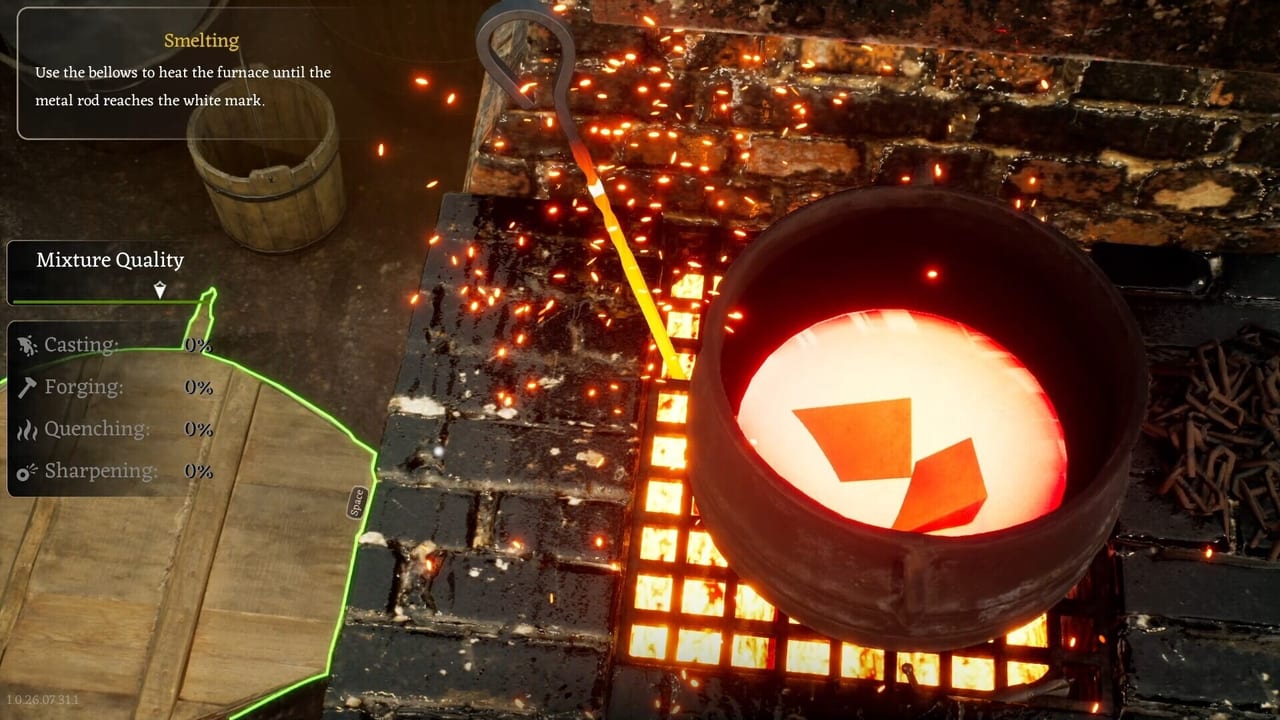
Smelt
- Fuel in.
- Ore or dense scrap in, not a pile of hats if you need real bars.
- Mix only if you mean to. Cupronickel is not a practice metal.
- If a piece renders and will not click, stop. Ghost mesh. Reload. Do not spam.
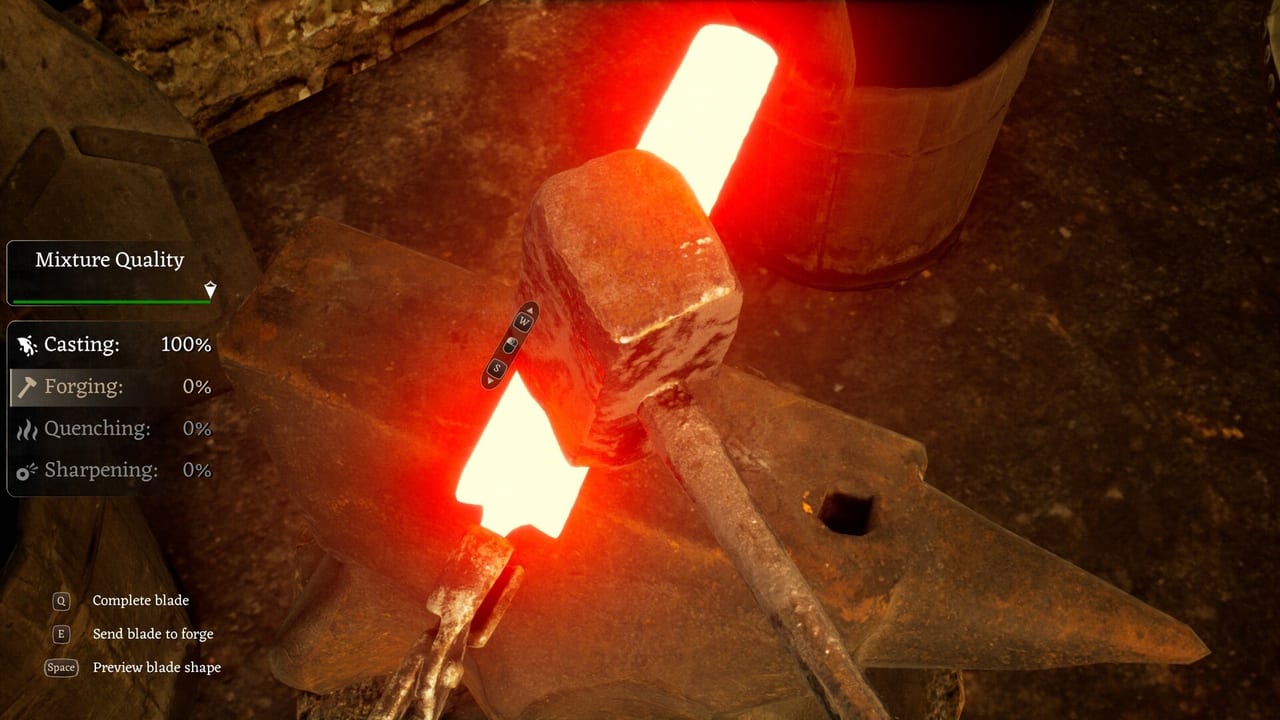
Anvil
- Shape the blank. One click, wait, next click. Do not mash through input delay.
- Small crafts (lockpicks, nails, knives) on this bench when the job is not a sword.
- If hammer timing feels like lag, toggle VSync off and try Performance Mode.
Grindstone
- Sharpen. This is a quality step, not optional flavour.
- If the interaction is missing, you may be tutorial-gated. Finish the battlefield beat. See Getting Started.
Chisel
- Detail the keeper. Dismantle junk recovered swords. Do not chisel the delivery piece into scrap.
Designer
- Blade, guard, handle, pommel matched to the job. Sword parts and sword designer.
- If the bench vanishes, reload. Do not place parts into air.
- For shields, leave this bench. Use the shields flow.
After
- Compare the result to the contract. If traders pay the same as a starter, keep the better blade anyway for travel.
- Store keepers. Smelt leftovers. Do not grow a floor pile.
- Save again.
Run the list twice on the first night. Run it once on the second. On the third, you should feel when a skipped grind is about to happen. That feeling is the whole sim. The Tools Hub also has cart priority for the hour you leave the smithy. The checklist does not replace joy. It replaces the particular sadness of a beautiful sword that never met a wheel.
Common skips we see in reviews
People skip grind because the wheel is fiddly. People skip saves because the furnace is already lit. People skip reading the contract because the designer is prettier. Those three skips explain a lot of “why is my sword cheap” posts. Put the grind box back. Put the save box back. Put the contract screenshot back. Then complain about trader prices with evidence. The Early Access review already covers the economy. This checklist exists so your evidence is a finished loop, not a half-forged blank. Sibling cart priority exists so the loop has metal to eat. If you print this list, print the cart list too. A checklist without ore is theatre. An ore run without a grindstone is a museum. Together they are the only “tool” this wiki can honestly ship until the studio posts numbers. Use them. Then close the browser and hit the iron while it is still hot.
Frequently Asked Questions
Quick answers to the most common questions.
Do I need every box every time?
For contract and gate pieces, yes. For a pure iron practice blank, you can skip rare mixing. Do not skip grind on anything you will sell or trade.
Where does mixing sit?
During smelt, before you commit a rare bar. It is not a separate endgame skill pane.
Can I use this for shields?
Only for the metal boss. Boards and reinforcements have their own modular steps on the shields page.
Why save twice?
Ghost smelts and vanished benches eat unique parts. A file is cheaper than a Discord post.