How to Forge in Sword & Shield Simulator
Station by station, from ore in the furnace to a blade that can actually sell.
Forging is the reason Sword & Shield Simulator exists. Everything else — cart runs, contracts, region travel — feeds this loop. The official description is simple: load the furnace and smelt, hammer glowing steel on the anvil, take the blade to the grinding wheel, then pick up the chisel for detail. The studio warns that every rushed step shows in the final piece. That warning is the whole skill ceiling.
This page is the practical version. Use the forge checklist as a live card. Use Sword Designer when you are ready to pick parts. Use materials when you are staring at the wrong bar.
The station order that actually matters
Do not treat the smithy as a room full of optional toys. Order is the mechanic.
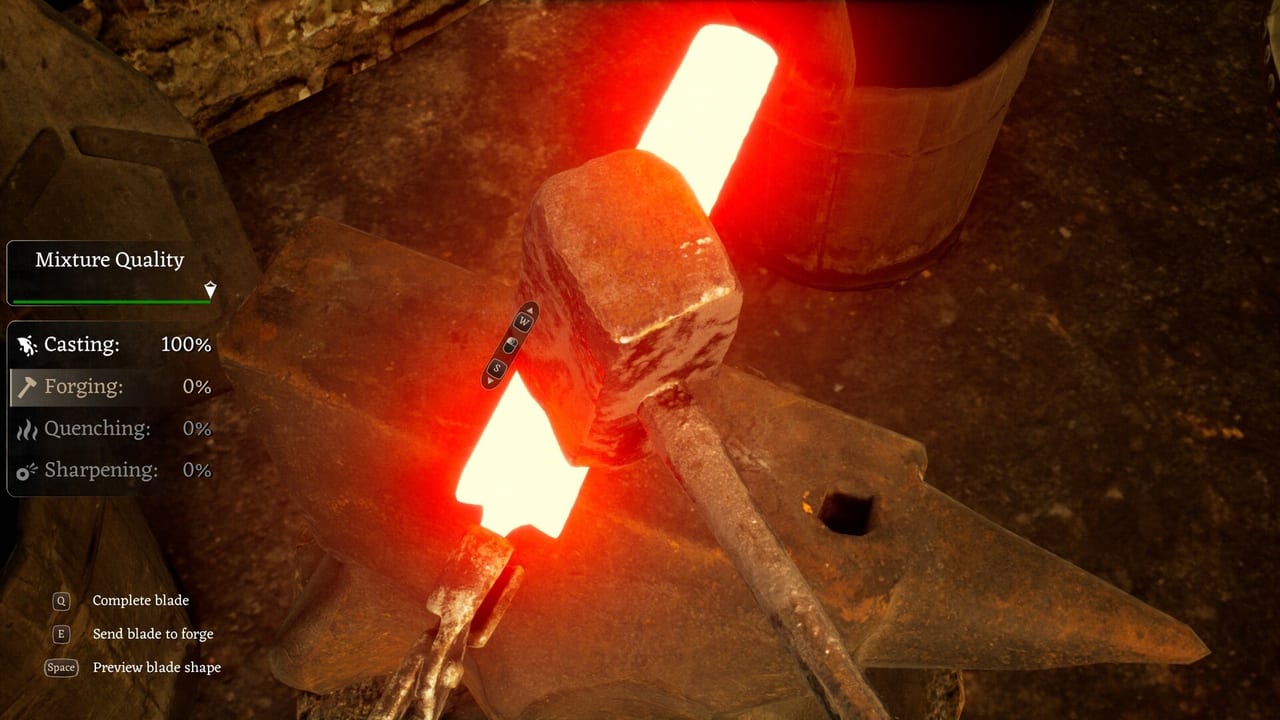
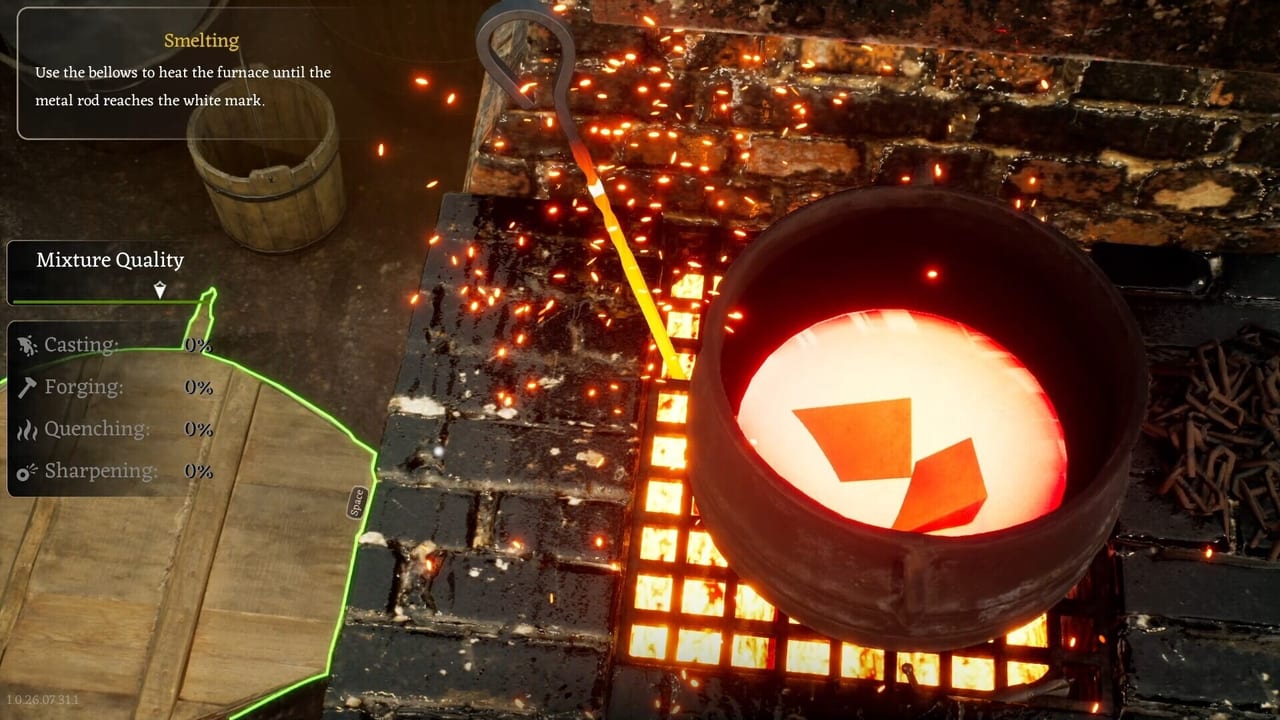
Furnace and smelter. Ore and salvage become ingots here. A Forge 2.0 style update added a smelting pass that melts scrap and mixed materials, plus interactive mixing aimed at blade stats. Heavier salvage is supposed to return more metal. If a piece still renders on the smelter but will not interact, that is a reported Early Access bug — back out, save, and try again before you assume the metal is gone. Ghost meshes are why you never smelt a unique quest blade without a save.
Anvil. This is shaping, not decoration. Smaller work also lives here: lockpicks, nails, knives, and weapon parts. If hammer input feels delayed, that is not you “getting the rhythm.” Check Performance and Bugs and VSync. Reviewers called out a delay between presses during the actual smithing minigames. Playing through it teaches you to over-swing.
Grindstone. Sharpening is listed as a quality step. Skipping it to save time is how a pretty blade still prices like a starter. If the grind interaction is missing, you may have jumped ahead of the tutorial flags — one demo patch blocked the chisel before the battlefield beat, which is a hint that stations can be gated.
Chisel. Detail work. Unfolding or dismantling a recovered sword with a chisel is part of the fantasy: take a battlefield blade apart, reclaim metal, rebuild something that fits a contract. Do not chisel a finished delivery piece “for fun.”
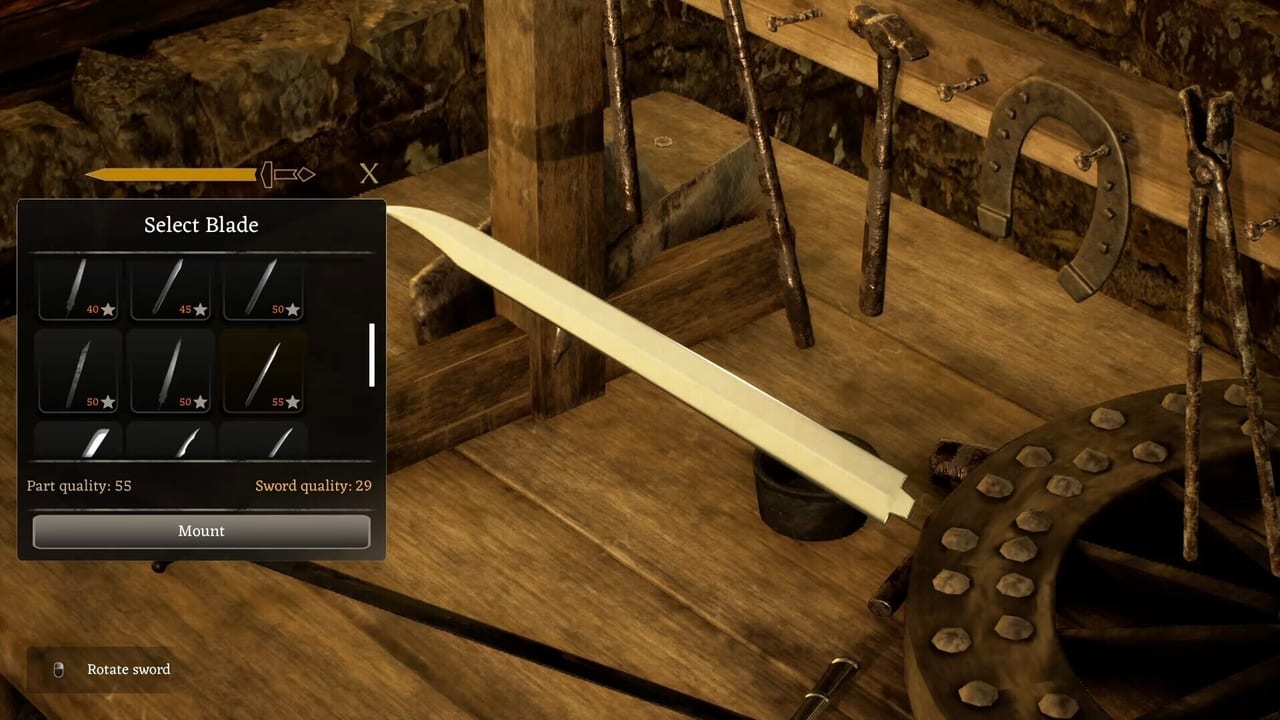
Sword designer / workbench. Assembly. Blade, guard, handle, pommel. A known bug made the workbench vanish while designing or casting; a patch claimed to fix it. If yours disappears, reload the last save rather than placing parts into the void. Details live on the sword designer guide.
Small furnace and shield bench. Everyday ironwork and modular shields. Shields are not a single click. You work bosses, boards, and reinforcements. See shields and ironwork.
Quality is the hidden currency
The store page says a masterwork opens doors a cheap blade never will. Players then report selling a high-quality sword for the same coin as a maxed starter. Both can be true in Early Access: the design wants quality to matter, the live economy may not pay it yet. Until a patch proves otherwise, craft for gates, contracts, and travel trades, not for a fantasy gold pile. Keep one high-grade sword instead of flooding the trader.
Mixing materials is supposed to change hardness and flexibility. Cupronickel is the named exotic. Do not dump your only cupronickel into a practice blank. Practice on iron. Spend rare bars on a blade you will keep.
Contracts without turning the loop into a chore
Customers ask for a quality they paid for. Deliver that, not a random assortment. If the UI does not explain reputation, believe the studio: reputation is still a placeholder. Levelling blacksmithing without a visible skill tree is another review complaint. Do the work for the piece in front of you. Do not stall waiting for a talent pane that may not exist yet.
When a contract is unclear, walk the Items Hub and match parts to the request. A “soldier’s steel” job does not need a noble showpiece. A showpiece job will punish a rushed grind.
Failure modes that look like skill issues
- You smelted salvage and got almost nothing: weight and mix, not a hidden tax. Read How to Get Materials.
- You cannot drop a sword and it duplicates: inventory bug. Save, relog, avoid the stack.
- You cannot interact with a visible ingot: ghost mesh. Do not keep clicking.
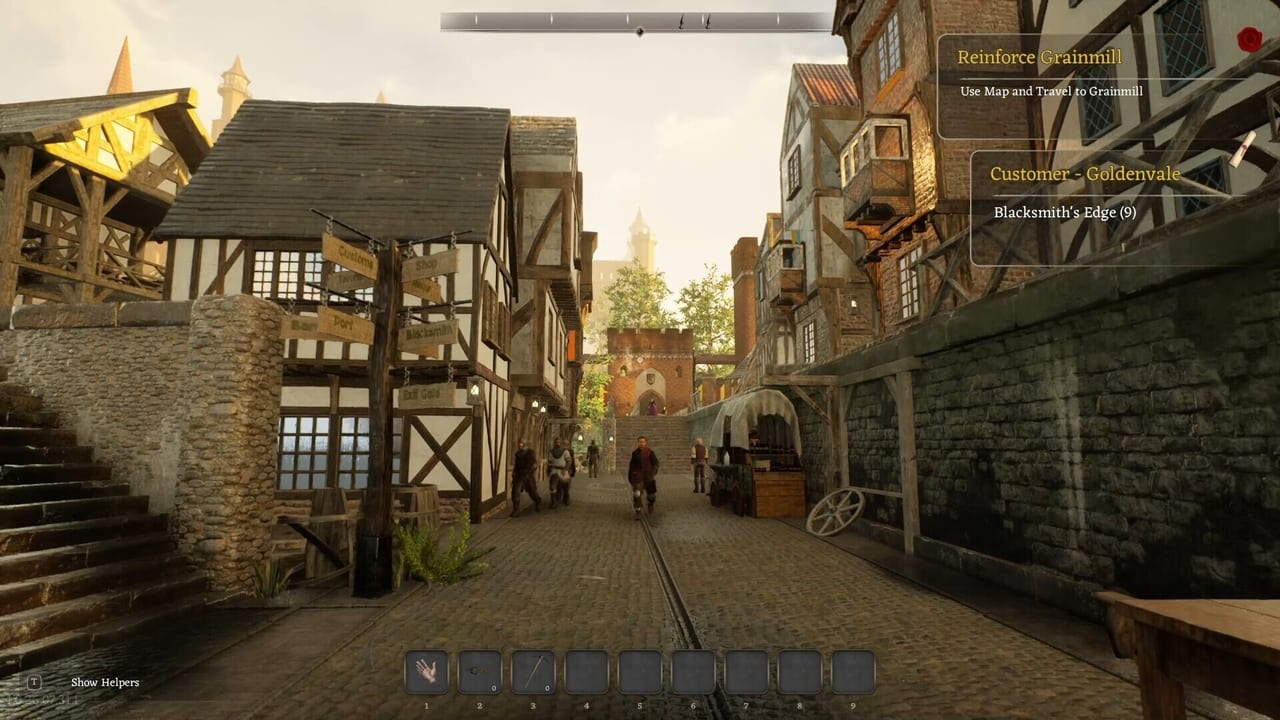
- The quest wants Grainmill and the cart will not leave: that is travel and stuck-world, not forging. See How to Travel Regions.
Forge well, then leave the smithy. The Map Hub is how you feed the next heat. The roadmap is how you know which stations are still incomplete. Do not wait for a perfect anvil feel before you learn the order — the order is the part that will still matter after the patches.
Frequently Asked Questions
Quick answers to the most common questions.
What is the correct forge order?
Smelt into ingots, shape on the anvil, sharpen on the grindstone, detail with the chisel, then assemble in the sword designer. Shields and small ironwork use their own benches.
Why is my finished sword cheap?
You may have skipped grind or mix steps, or you hit the Early Access trader bug where quality does not change price. Keep the better blade for gates anyway.
Can I skip the grindstone?
You can. The design says quality will show it. Contracts and travel trades are the reason not to.
The workbench vanished mid-design. What now?
Reload. That bug was called out in a demo patch. Do not keep placing parts.