Sword & Shield Simulator Guides Hub
Practical tutorials for smiths who just entered Early Access and need a working order of operations.
This hub is the map of every Sword & Shield Simulator tutorial on the wiki. The game dropped into Steam Early Access on 11 August 2026 as a first-person blacksmithing sim set around Danburg. It is a single-player Windows title. There are no redeem codes, no Roblox scripts, and no Trello board that replaces reading the forge itself.
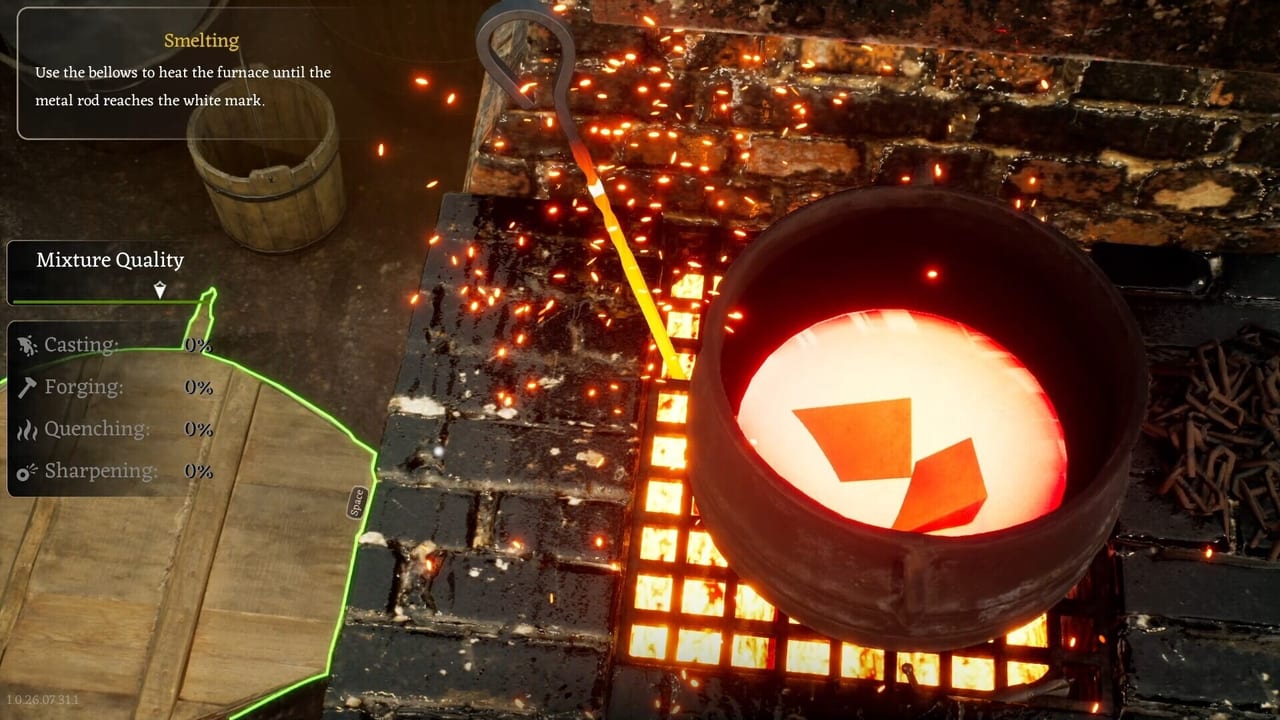
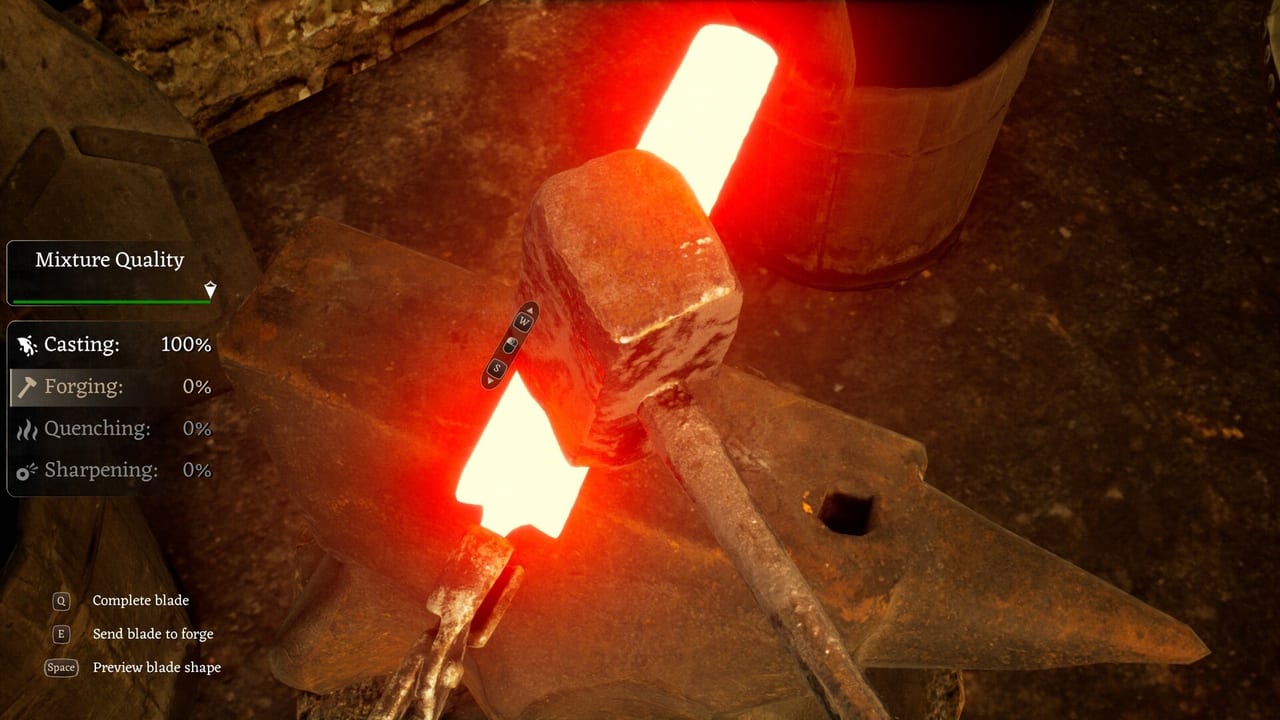
Start with Getting Started if you have not finished the in-game tutorial. Then read How to Forge before you melt a cart of scrap into mystery bars. Salvage without a plan is how players come home with five helmets and two ingots. Pair that page with How to Get Materials and the cart priority tool.
What these guides are for
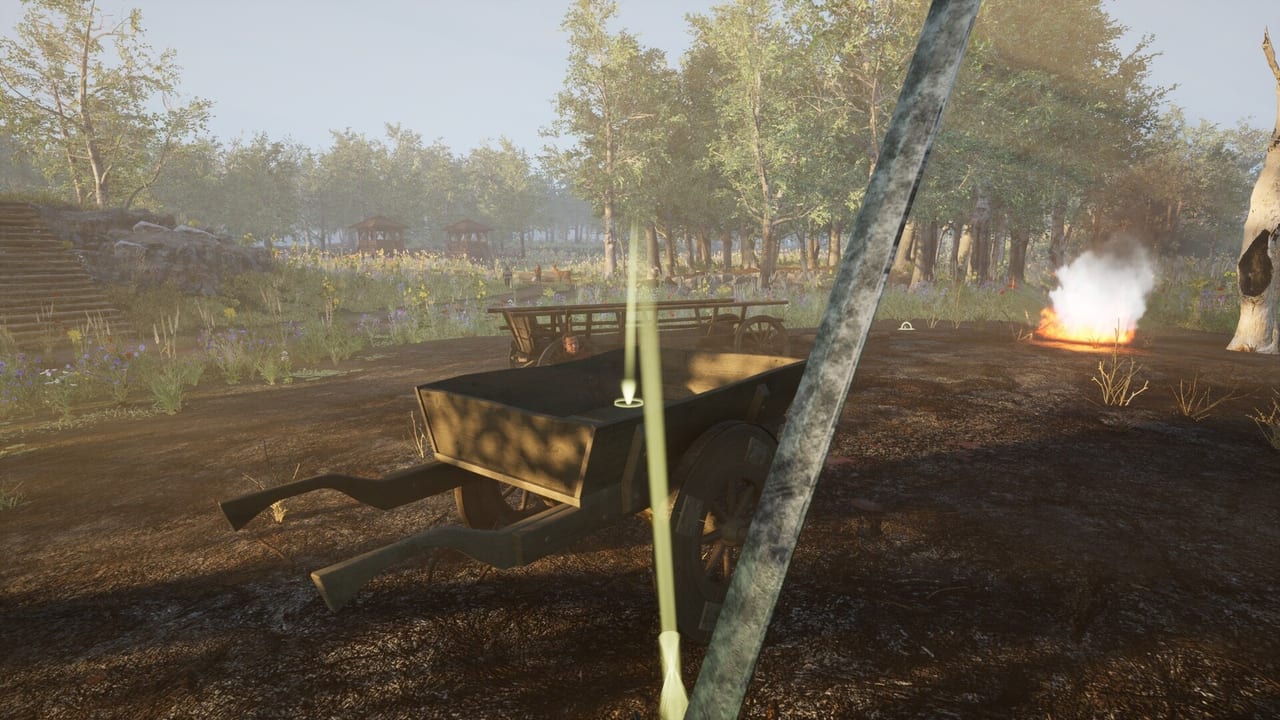
Early Access reviews opened Negative. The complaints cluster around three things this hub tries to make explicit: the feel of the stations, the economy, and bugs that strand you on a battlefield with a cart that will not move. A guide cannot patch Unreal hitching. It can tell you to try Performance Mode, to check VSync when the mouse feels late, and to avoid dumping a quest-critical item into a smelter that still shows a ghost mesh.
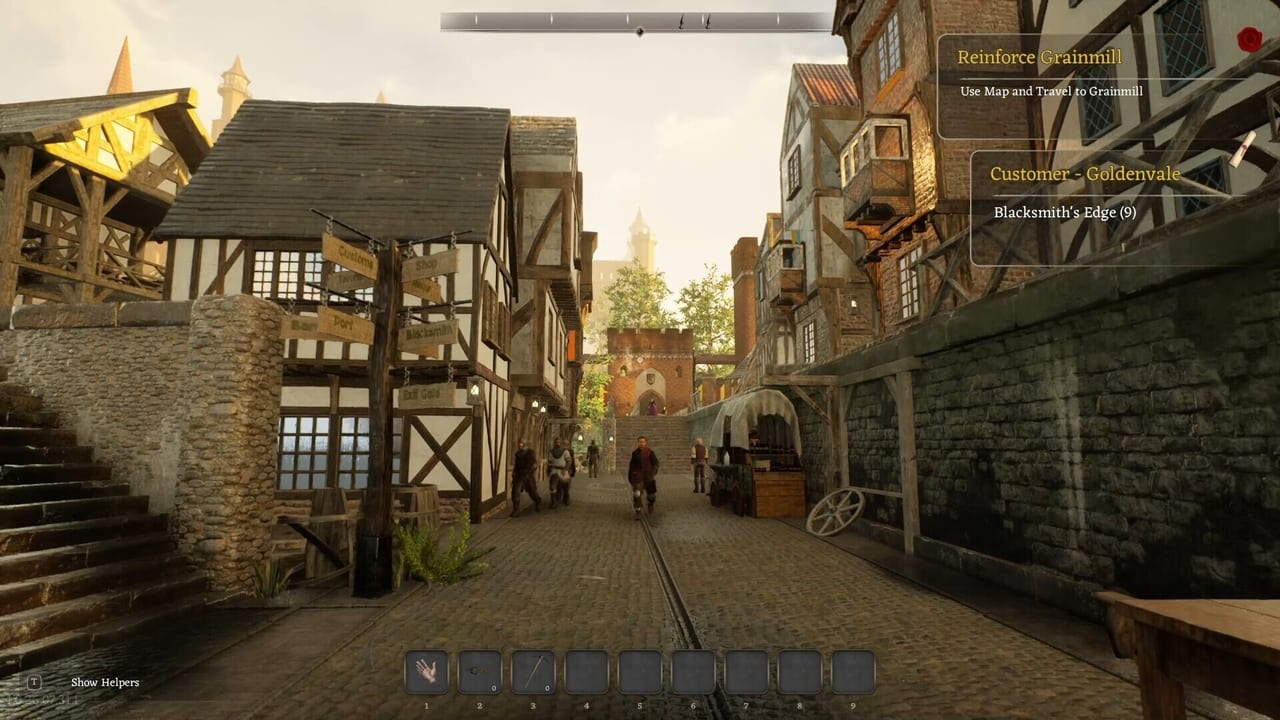
The studio says the current build already includes three regions — Danburg, Bloodlands, and Grainmill — with more than 140 story missions, side quests, collectibles, lockpicking, contracts, trading, a skill system, fast-travel shrines, siege-tower and cart repair, and a cups mini-game on the road. Reputation is still a placeholder. Treat every number you see in a contract window as something that may change in a patch.
Recommended reading order
- Getting Started — first hour, story hook, what not to sell.
- How to Forge — furnace, anvil, grindstone, chisel.
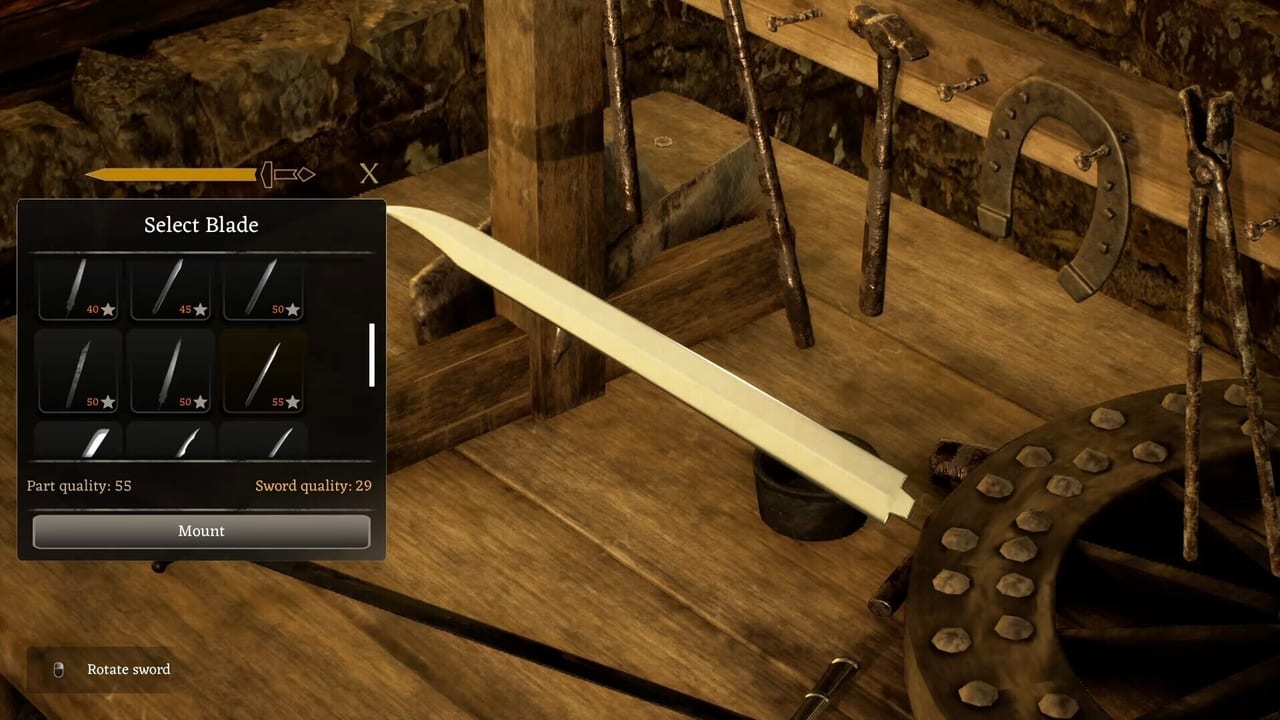
- Sword Designer — blade, guard, handle, pommel.
- How to Get Materials — ore, coal, wood, battlefield scrap.
- Controls — movement, stations, cart, common input bugs.
- Performance and Bugs — VSync, Performance Mode, stuck quests.
- How to Travel Regions — player-reported gates between maps; Day One Patch added quest markers on Bloodlands and Grainmill.
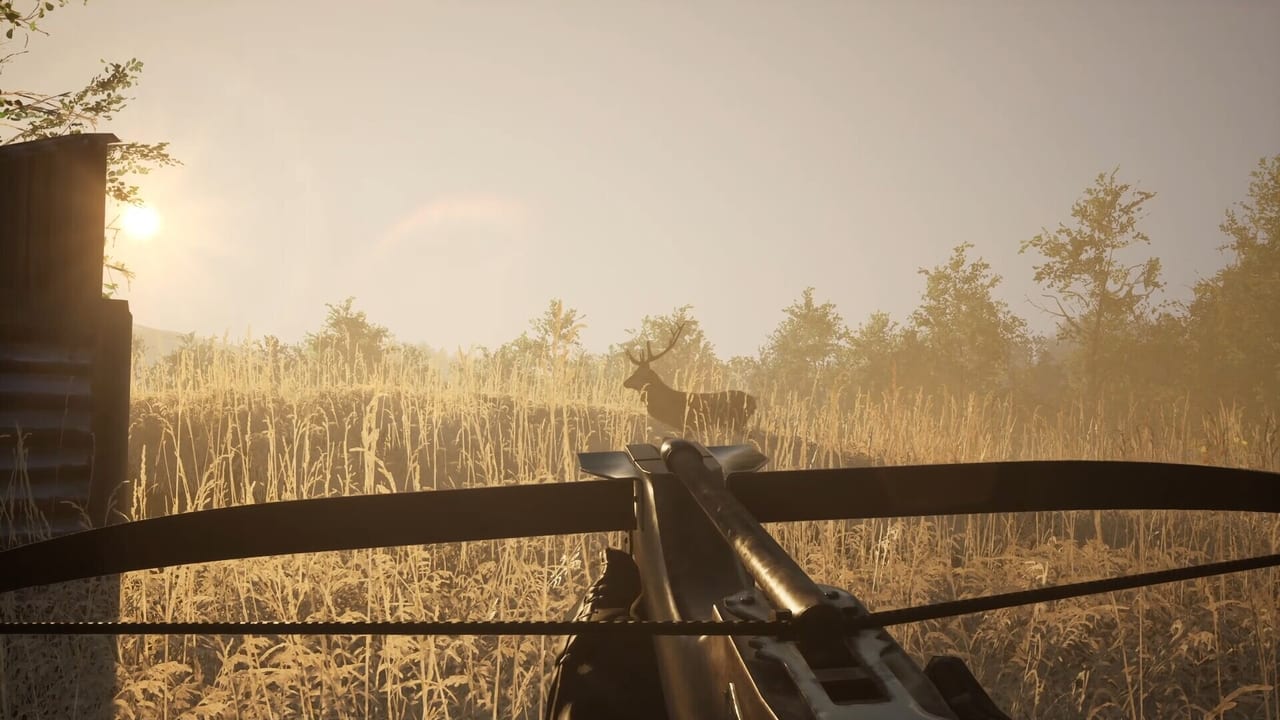
- Hunting and Hides — optional game, trapper, deer-meat preview, wolf axe fix.
- Lockpicking and Prison — picks, cellars, two-minute wait, cart no longer jails on a bump.
- Contracts and Trading — jobs, new UI prices, chisel-dupe fix. The PC nav dropdown shows seven of these plus a View-all link back to this hub.
When you need a list instead of a walkthrough, jump to the Items Hub for materials, sword parts, and shields. The Map Hub covers Danburg, Bloodlands, Grainmill, and planned Talstein. If you are still deciding whether to buy, read the Early Access review and system requirements.
How to use a guide during a live session
Keep one tutorial open while you work a station. The forge loop is easy to describe and easy to rush. Quality is supposed to show every skipped step. If a contract asks for a grade you cannot hit, do not spam starter swords into the trader. Check the forge checklist and confirm you actually quenched, ground, and assembled the parts the designer expects.
If a quest marker points at Grainmill and your cart will not leave the battlefield, stop following the marker. Read How to Travel Regions and Performance and Bugs. Several Steam reviews describe exactly that soft-lock. Reloading after a crash can also break quest flags. Save before you smelt a unique blade and before you pay a travel trade.
What we will not invent
We do not list fake keybinds, fake ore nodes, or a complete mission spoiler dump. Where a mechanic is only described in a Steam review, we label it as player-reported. Where the store page and devlogs agree — furnace, anvil, grindstone, chisel, sword designer, modular shields, coal, iron, cupronickel, cart hauling — we treat that as the current design.
For the patch cadence and the Talstein promise, use the Updates Hub, the roadmap, and patch notes. Come back to this hub when a new station or region lands; the child pages are meant to stay specific instead of repeating the same closing sermon.
Cross-links inside this category
Every guide under this hub should send you to a sibling, not back to a generic homepage paragraph. Controls and Performance and Bugs are a pair: one names the actions, the other names the failures. How to Forge and Sword Designer are a pair: stations then slots. How to Get Materials and How to Travel Regions are a pair: filling the cart, then being allowed to drive it. If you only bookmark one URL, bookmark this hub and walk the list in order once. The second night you can skip around. The first night, order is the whole point of a sim that punishes skipped grindstones.
Frequently Asked Questions
Quick answers to the most common questions.
Where should a brand-new smith start?
Open Getting Started, then How to Forge, then How to Get Materials. If the mouse already feels late, read Performance and Bugs first so you do not blame the anvil for VSync lag.
Are there codes or scripts for this game?
No. Sword & Shield Simulator is a single-player Steam game. This hub is tutorials, not a code list.
Do the guides spoil the story?
They mention Richard, Danburg, and the missing-father hook. They do not walk every mission. Region pages stay geographic.
Why do so many pages mention Early Access bugs?
Because that is what players are searching on day two. A forge wiki that ignores stuck carts is not useful.